Field Health
A live completeness score for the fields your process actually needs, plus the exact issues to fix.
Jira Cloud · Version 2.2.0 · on the Atlassian Marketplace
Free of charge. Installation and licensing run through Atlassian.
What it does
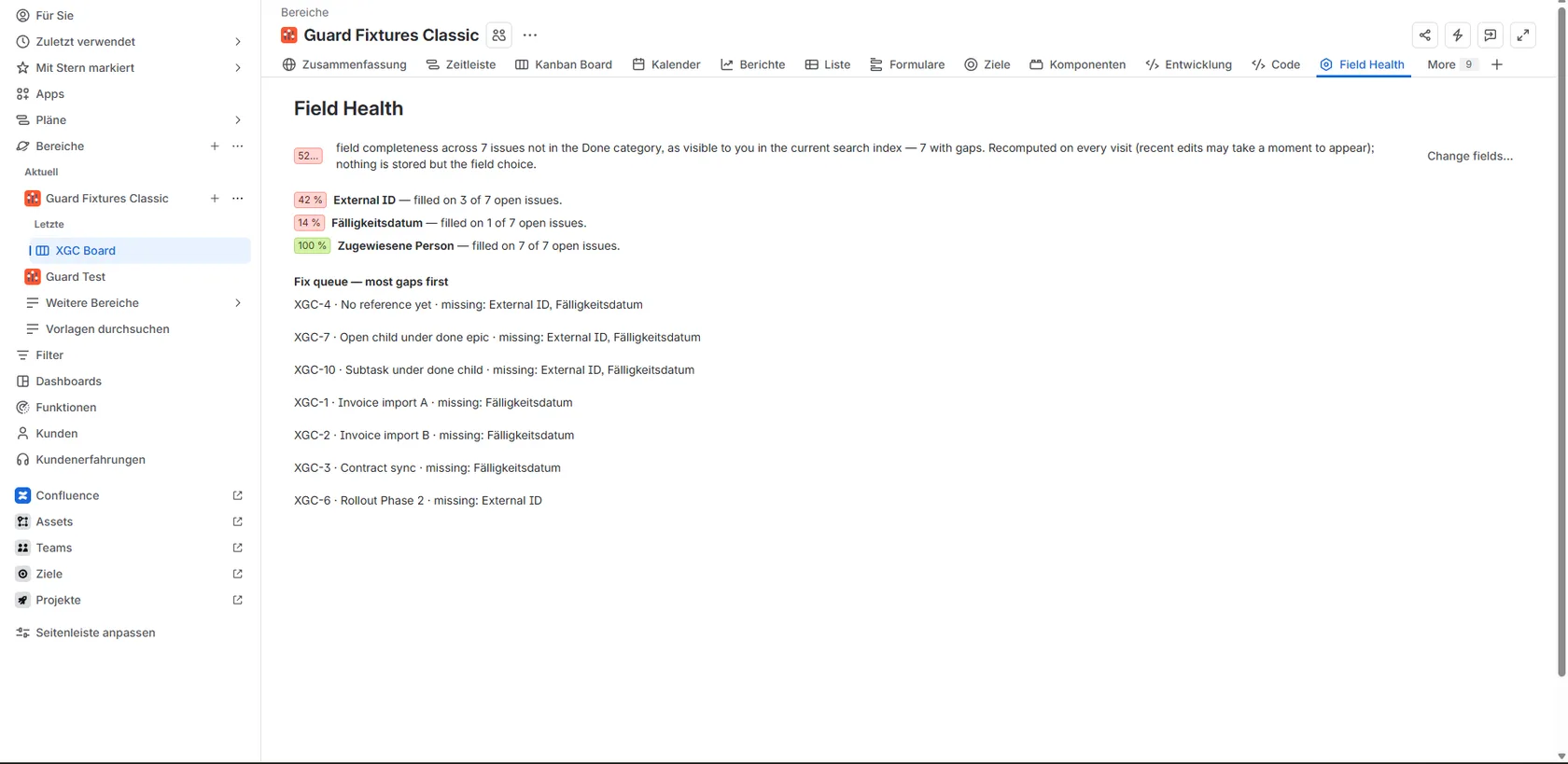
Every project has fields that should never be empty: due date, assignee, your own reference field. Yet they stay empty, reports and automations come up short, and nobody knows which issue to fix first. Field Health turns that into one number and one work list:
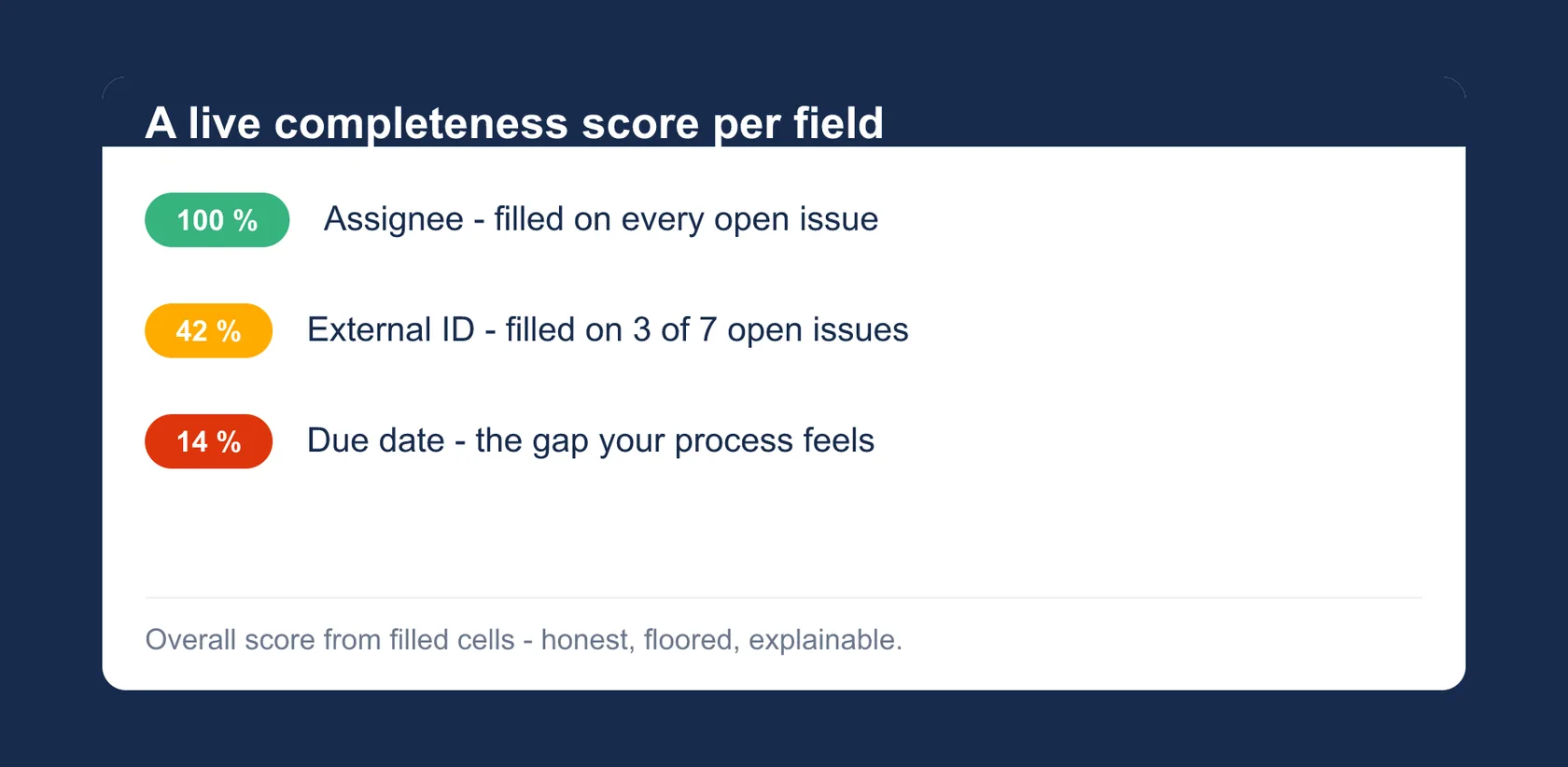
- Completeness per field and overall: an admin picks up to 20 fields every open issue should carry. The page computes the share of filled values per field and across everything, honestly floored instead of rounded up.
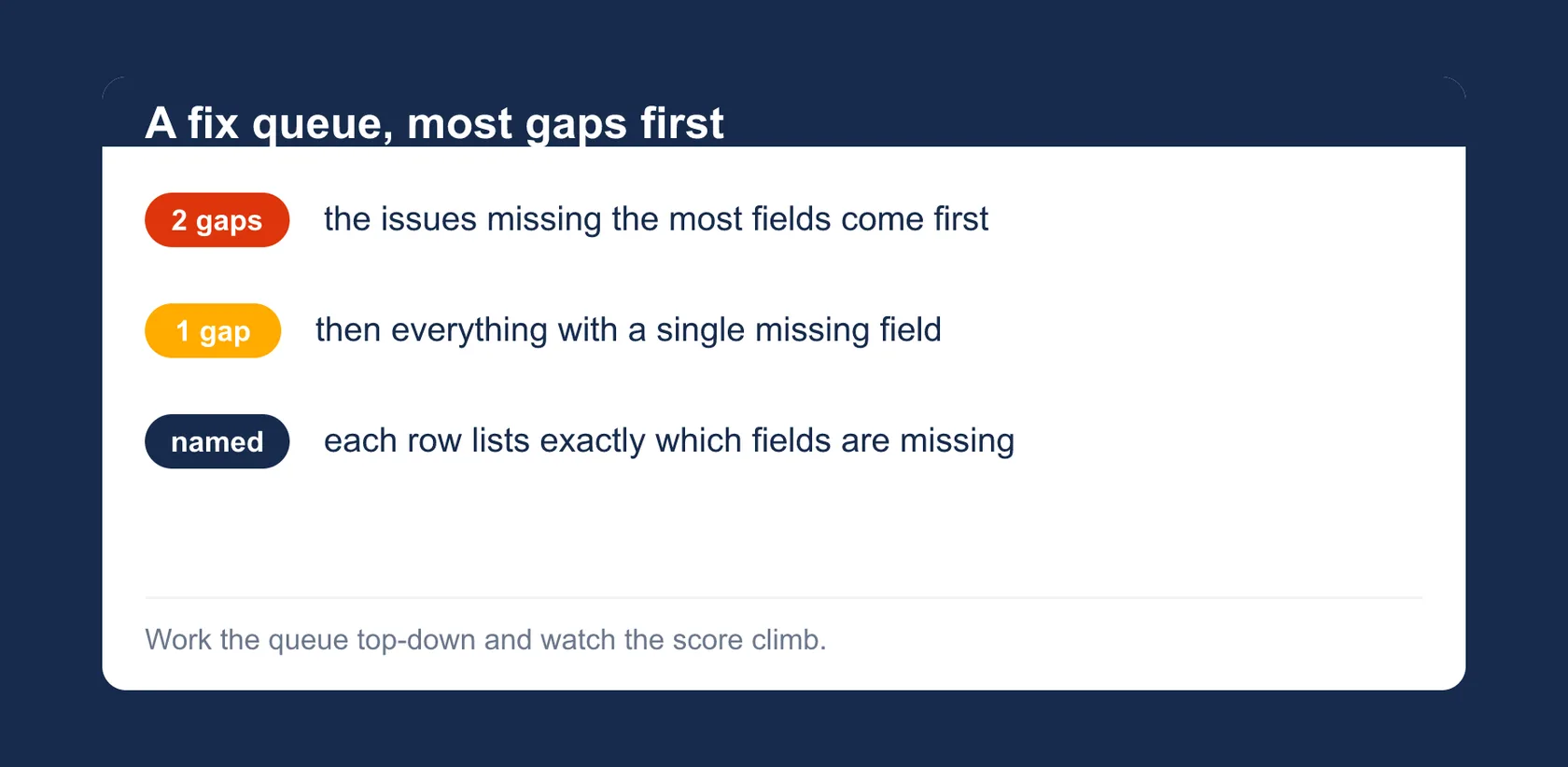
- Fix queue (most gaps first): a sorted list of the issues missing the most fields, so cleanup starts where it pays off most.
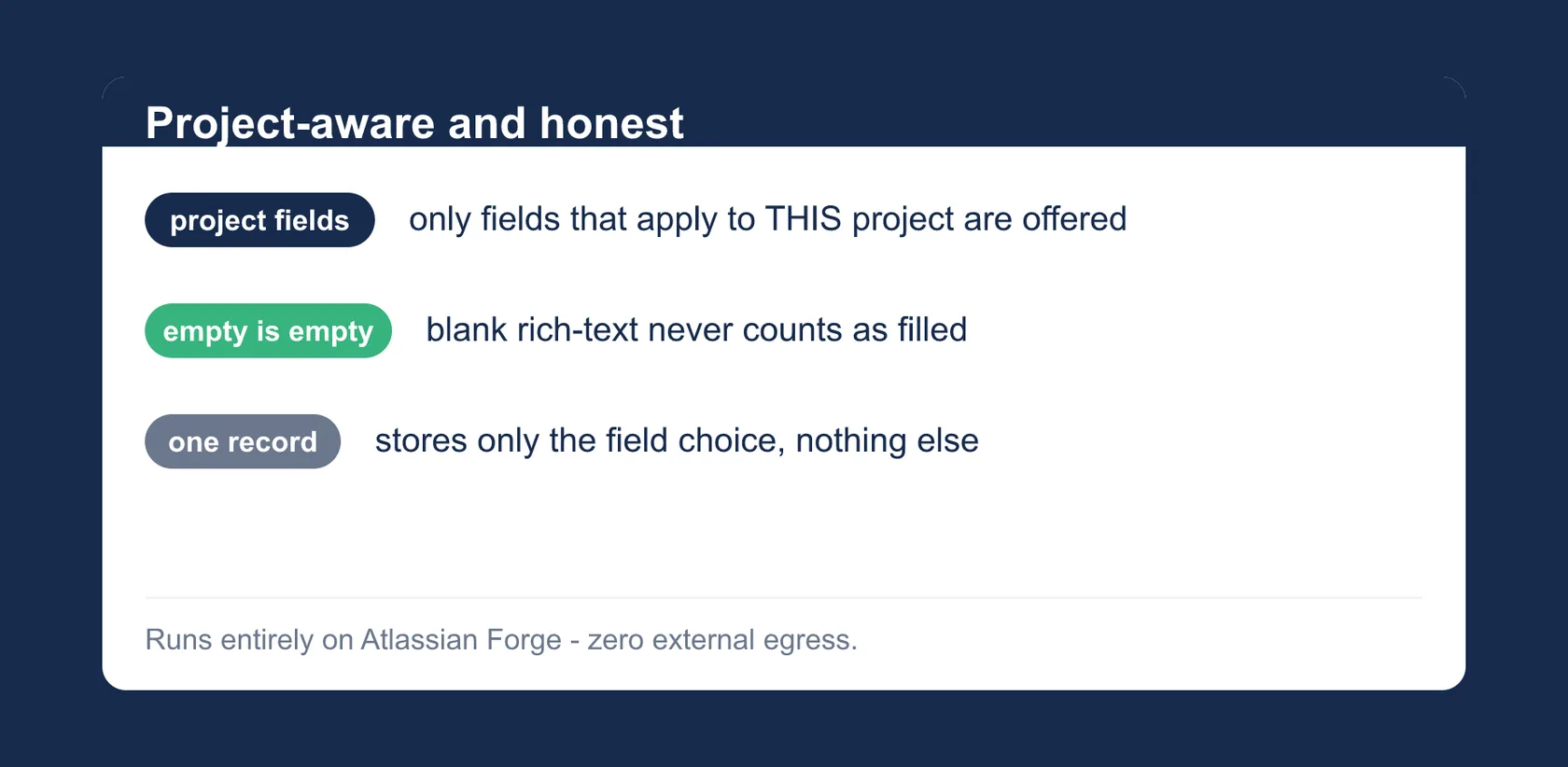
- Project-aware field picker, admin-gated: only fields that actually exist in this project can be chosen, and only project or site admins can change the selection.
- Empty rich text counts as empty: a description holding nothing but an empty document does not count as filled.
- Stores only the field choice: no issue data, no field values, no identities.
Getting started
- Install the app for your Jira Cloud site from the Atlassian Marketplace listing.
- Open a project, go to the Field Health page and, as an admin, pick the fields every open issue should carry.
- Read the score and work through the fix queue. The score is recomputed on every visit (from the current search index; very recent edits may take a moment).
Permissions and data
Field Health runs entirely on Atlassian Forge:
read:jira-work: read-only calls executed with your own permissions (asUser) and scoped to the single project: one bounded JQL search per page view over the issues not in the Done status category (fetching only summary, status and the configured fields; every value is reduced to filled/empty in memory), plus the project’s field list from the issue create metadata and the admin check. No writes to Jira, no background jobs.storage:app: stores exactly one configuration record per project in the Forge Key-Value Store: the ids of the fields to check (at most 20).
Nothing but the field choice is ever stored: no issue data, no field values, no account ids; the app stores no personal data. Uninstalling removes the stored data in accordance with Atlassian’s Forge data lifecycle. No external servers, no data egress, no AI, no tracking, no third-party services.
Support
Direct line to the developer: no ticket system, no first-level filter.
- Email: support@dangelstudio.de
- Contact form: reply usually within 1–2 business days
Support is provided on a best-effort basis. No fixed response or resolution times (SLA) are promised.
Status and versions
- Available on the Atlassian Marketplace. The current version number is in the header line of this page.
- Scope of this version: up to 20 fields per project, checked across all issues outside the Done status category; on very large projects the page labels partial data as such instead of claiming a complete score.
Legal
License: the end-user license agreement (standard EULA) shown on the Atlassian Marketplace listing applies; Atlassian presents it during installation. Privacy: Atlassian apps privacy policy, with a dedicated section on Field Health; the short version is in “Permissions and data” above. The app is not intended for covert employee monitoring or automated performance evaluation; see the privacy policy for details.