Tree Clone
Clone an epic with its issues and subtasks: one click, a report of created, failed and not attempted issues.
Jira Cloud · Version 2.4.0 · on the Atlassian Marketplace
Free of charge. Installation and licensing run through Atlassian.
What it does
Since March 2025 Jira clones an epic together with its direct children. Use that if one level is all you need. What it does not carry over are the subtasks below those children: the request to clone all descendants (JRACLOUD-76439) has been open since 2021. Rebuilding that third level by hand is the copy-paste work you repeat for every sprint template, onboarding batch or recurring campaign. Tree Clone does it in one click:
- Whole tree, one click: root plus children plus grandchildren (epic → issues → subtasks), created in the right order with parent links intact.
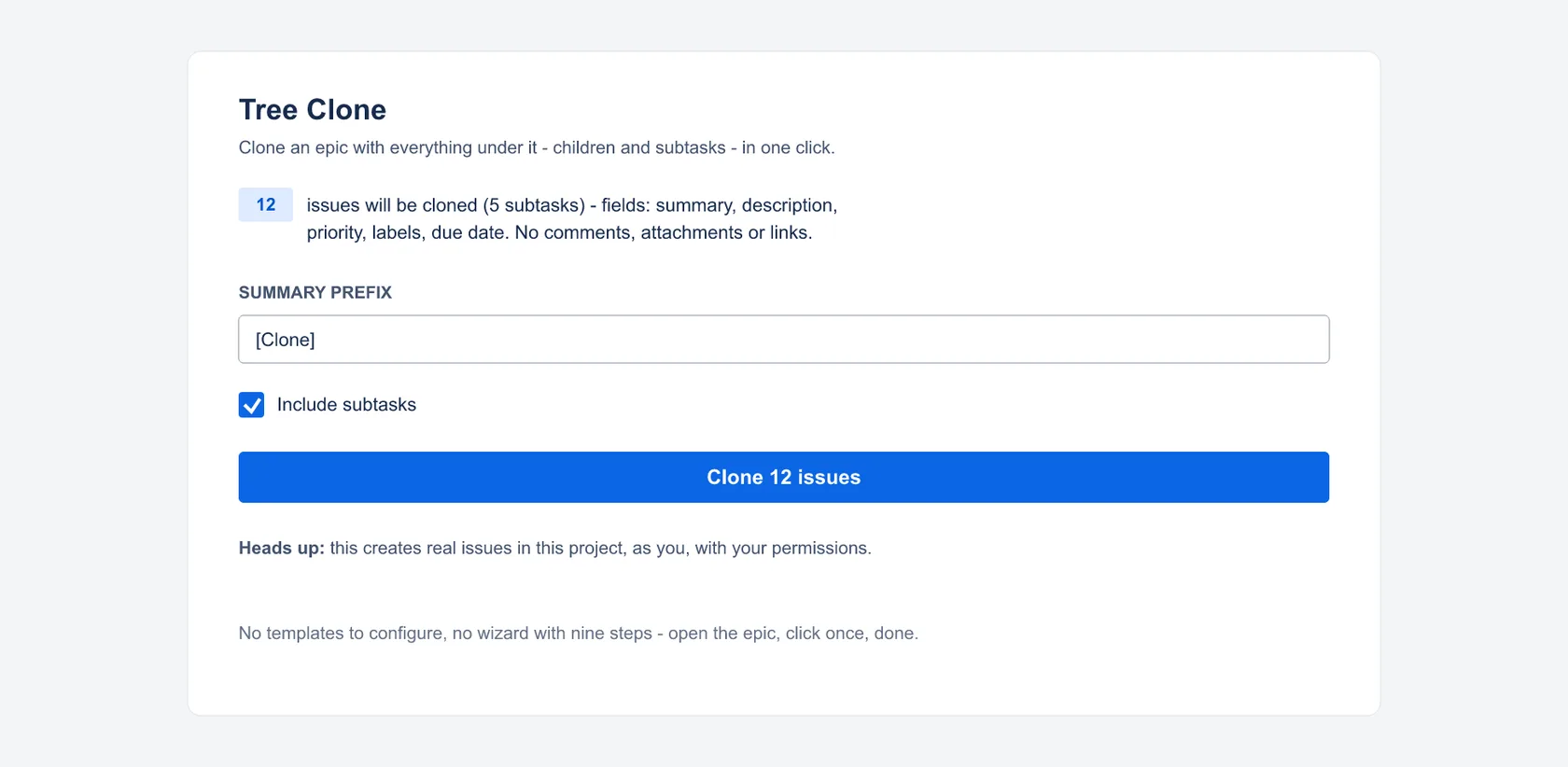
- Preview first: the panel shows exactly what will be created (issue counts, subtask toggle, an optional name prefix) and says plainly that real issues will be created.
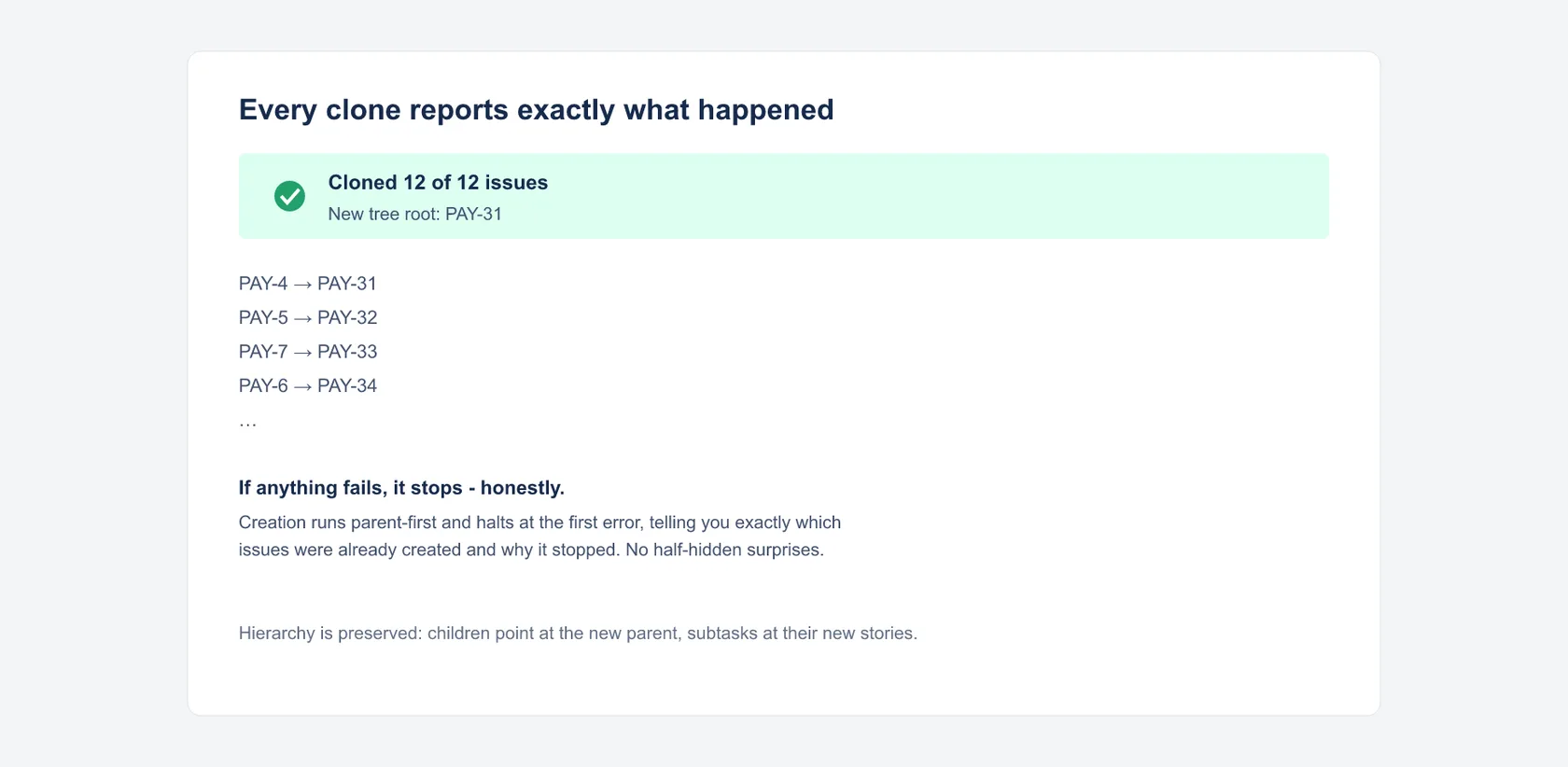
- A report in three categories: cloning runs step by step and stops at the first failure. The report lists every issue as created, failed or not attempted. A partial clone is reported as such.
- Deliberately bounded v1: same project, same site, up to 25 issues per clone, fields limited to summary, description, priority, labels and due date. No attachments, comments, links or sprint assignments. When a tree exceeds those bounds (deeper nesting, children from other projects), the app refuses with a clear error instead of guessing.
Getting started
- Install the app for your Jira Cloud site from the Atlassian Marketplace listing.
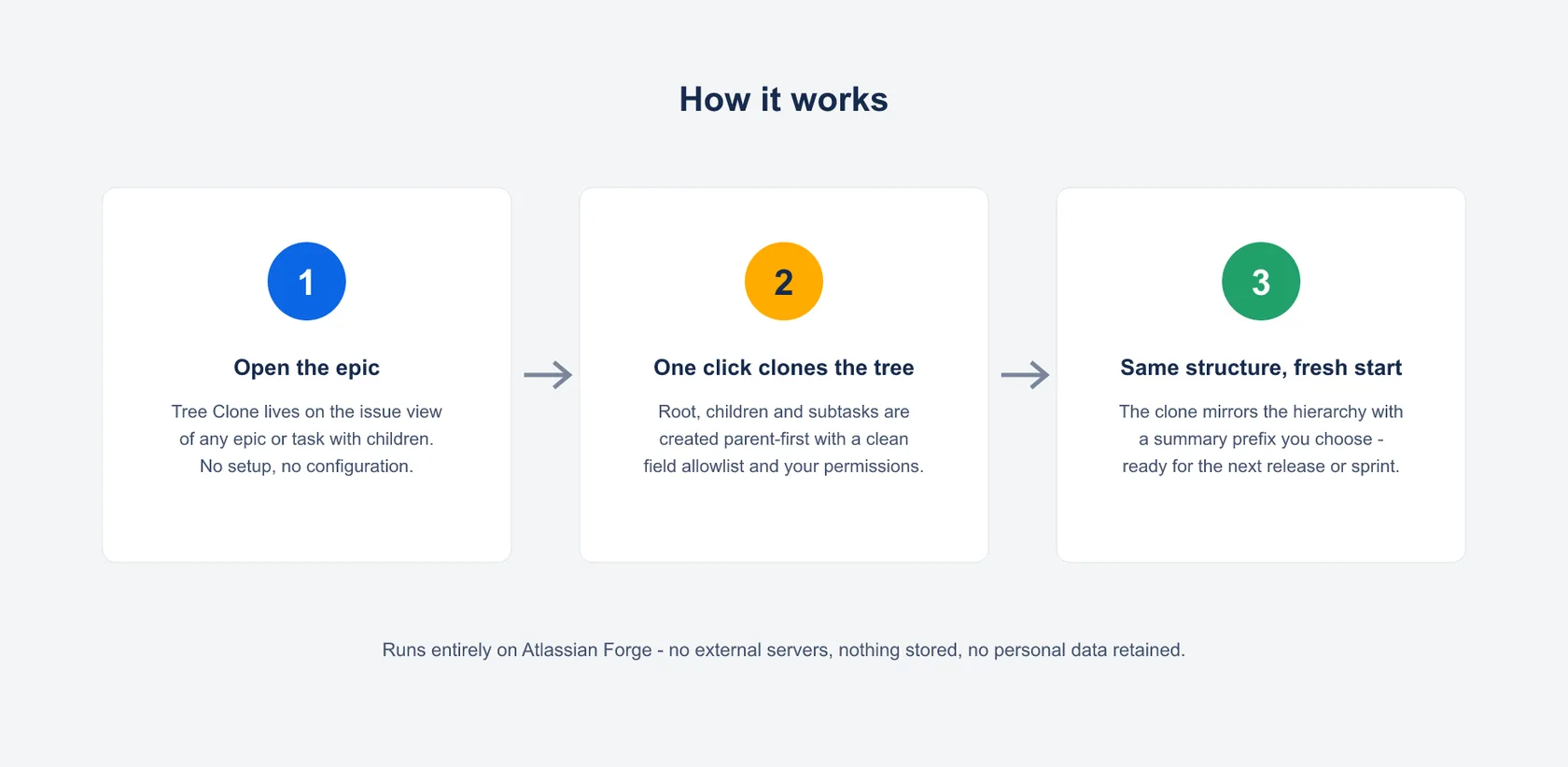
- Open the epic or issue you want to duplicate and open the Tree Clone panel.
- Check the preview counts, set a prefix if you like, and click Clone. The report lists every created issue, starting with your new root.
Recommendation before your first clone: try the app in a test project first, and for extra cleanup safety, Atlassian’s own advice applies: create a Jira backup before bulk operations. Removing a clone is easy thanks to the report: it names every created issue, starting with the new epic root. Delete that new root with its children in Jira and the created issues are removed.
Permissions and data
Tree Clone runs entirely on Atlassian Forge:
read:jira-work: reads the tree being cloned (root and two levels below, scoped to that one tree)write:jira-work: creates the cloned issues; this is the app’s entire purpose, and every clone is created as you (asUser), so nothing appears that you could not create yourself, and visibility follows your own permissions
No storage of any kind: the app persists nothing, every clone is planned fresh on the server. No external servers, no data egress, no AI, no tracking, no third-party services.
Support
Direct line to the developer: no ticket system, no first-level filter.
- Email: support@dangelstudio.de
- Contact form: reply usually within 1–2 business days
Support is provided on a best-effort basis. No fixed response or resolution times (SLA) are promised.
Status and versions
- Available on the Atlassian Marketplace. The current version number is in the header line of this page. First public release was 2.0.0.
- Bounds in this version: 25 issues per clone, two levels below the root, same project only, chosen so a clone either truly completes or fails loudly.
Legal
License: the end-user license agreement (standard EULA) shown on the Atlassian Marketplace listing applies; Atlassian presents it during installation. Privacy: Atlassian apps privacy policy, with a dedicated section on Tree Clone; the short version is in “Permissions and data” above. The app is not intended for covert employee monitoring or automated performance evaluation; see the privacy policy for details.