Automation Heartbeat
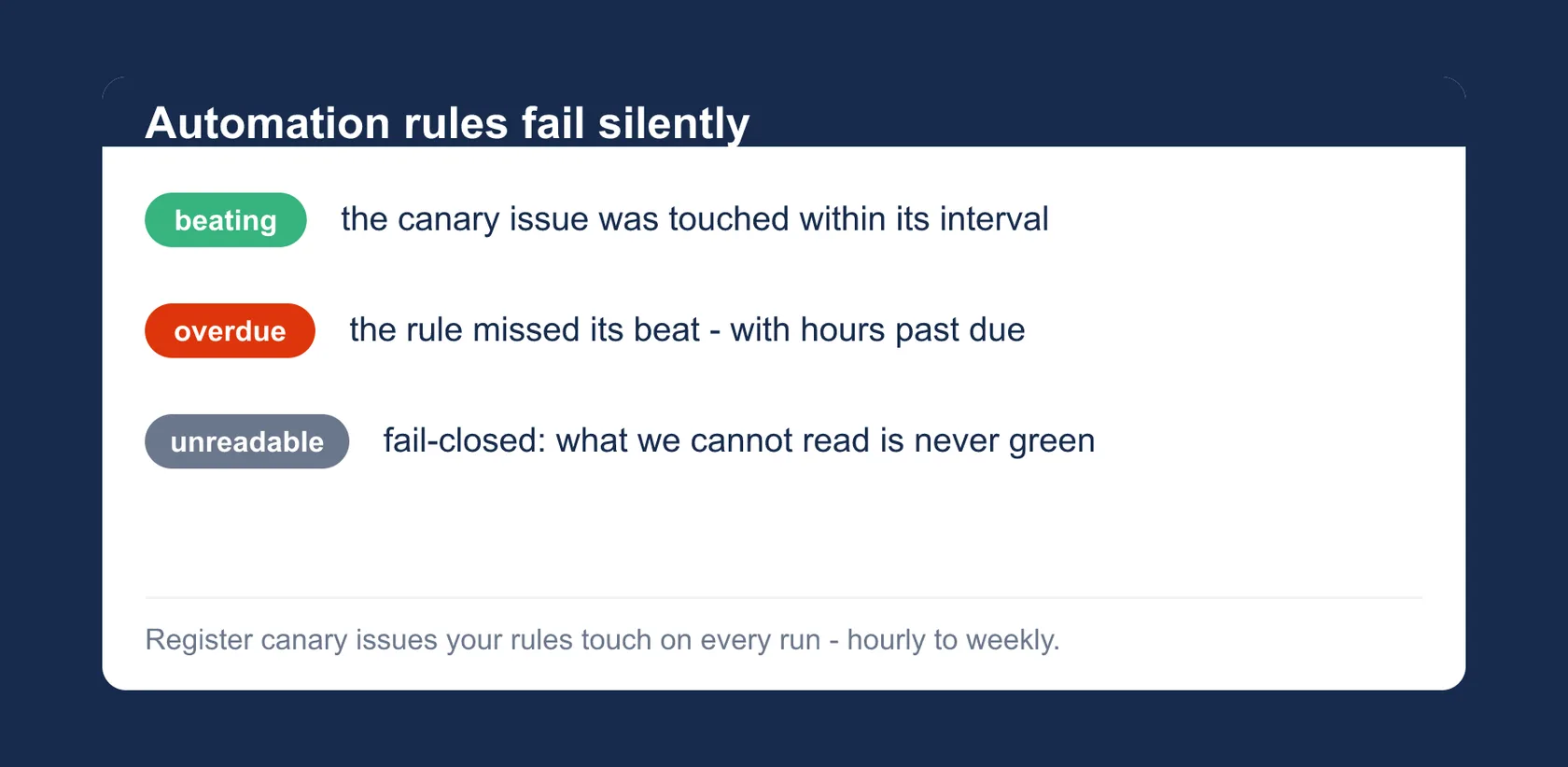
Automation rules fail silently. A canary issue makes the silence visible.
Jira Cloud · Version 2.2.0 · on the Atlassian Marketplace
Free of charge. Installation and licensing run through Atlassian.
What it does
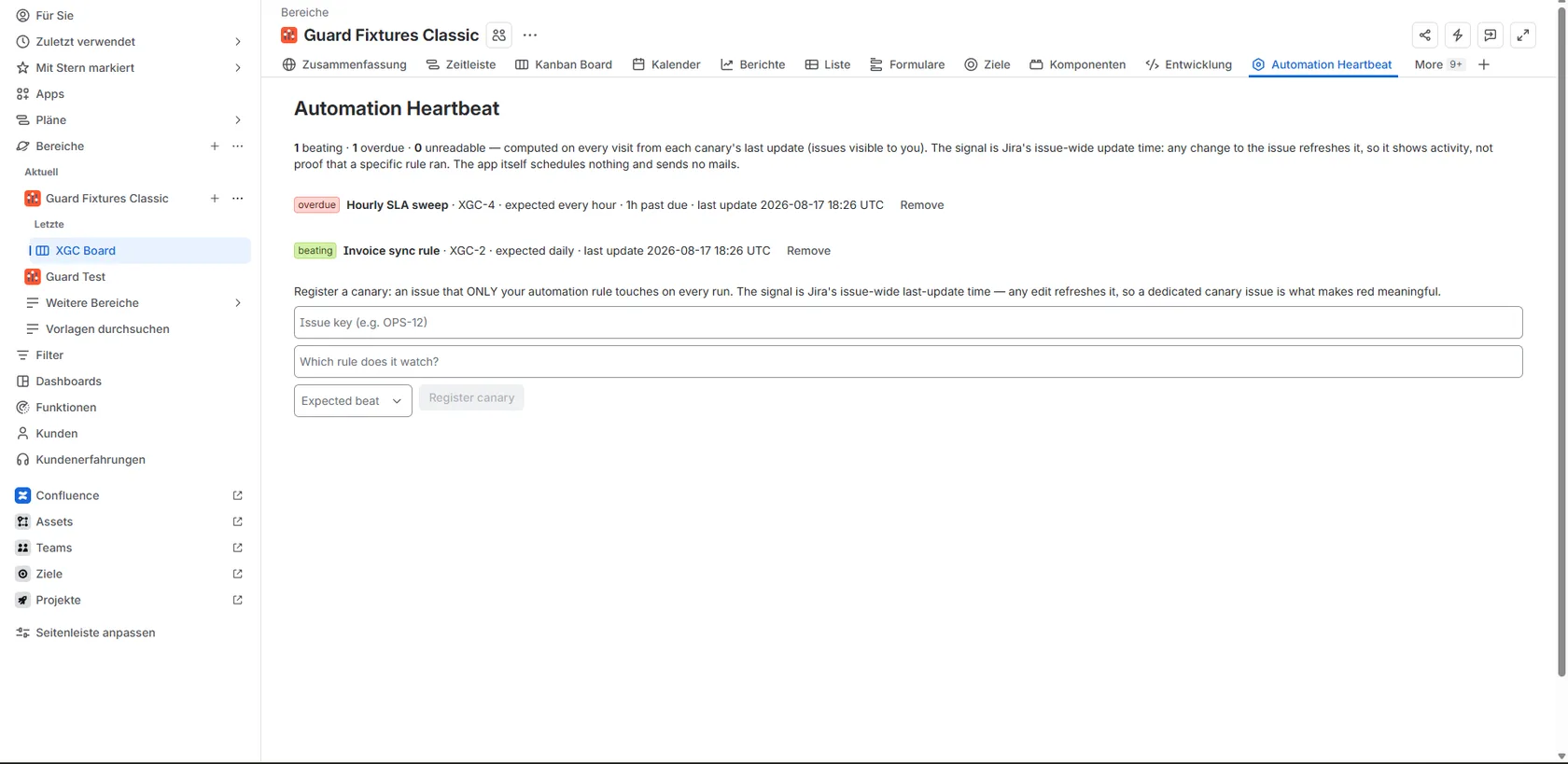
When a Jira automation rule stops running, nothing tells you: no error, no mail, just silence. Automation Heartbeat makes that silence visible: project admins register canary issues (issues a rule touches on every run) with an expected interval:
- Up to 15 canaries per project, with an expected beat from hourly to weekly.
- Beating, overdue or unreadable at a glance, including hours past due, derived live from the issue’s last-update time.
- Unreadable is fail-closed: a canary the app cannot read is never shown green.
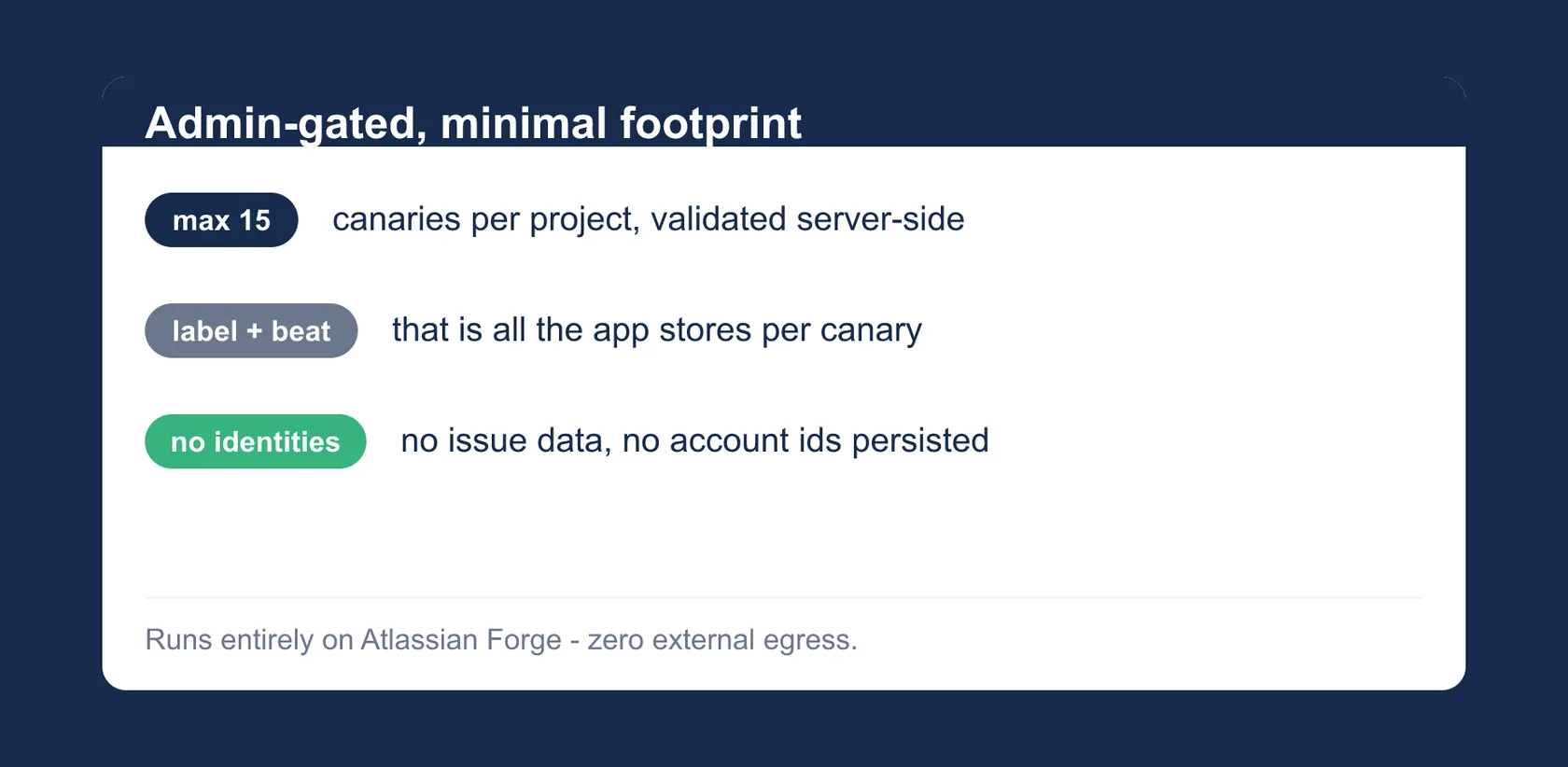
- Admin-gated, validated server-side: only project admins can register canaries, and the app verifies each one before saving.
- Stores only label and interval per canary: no issue data, no identities.
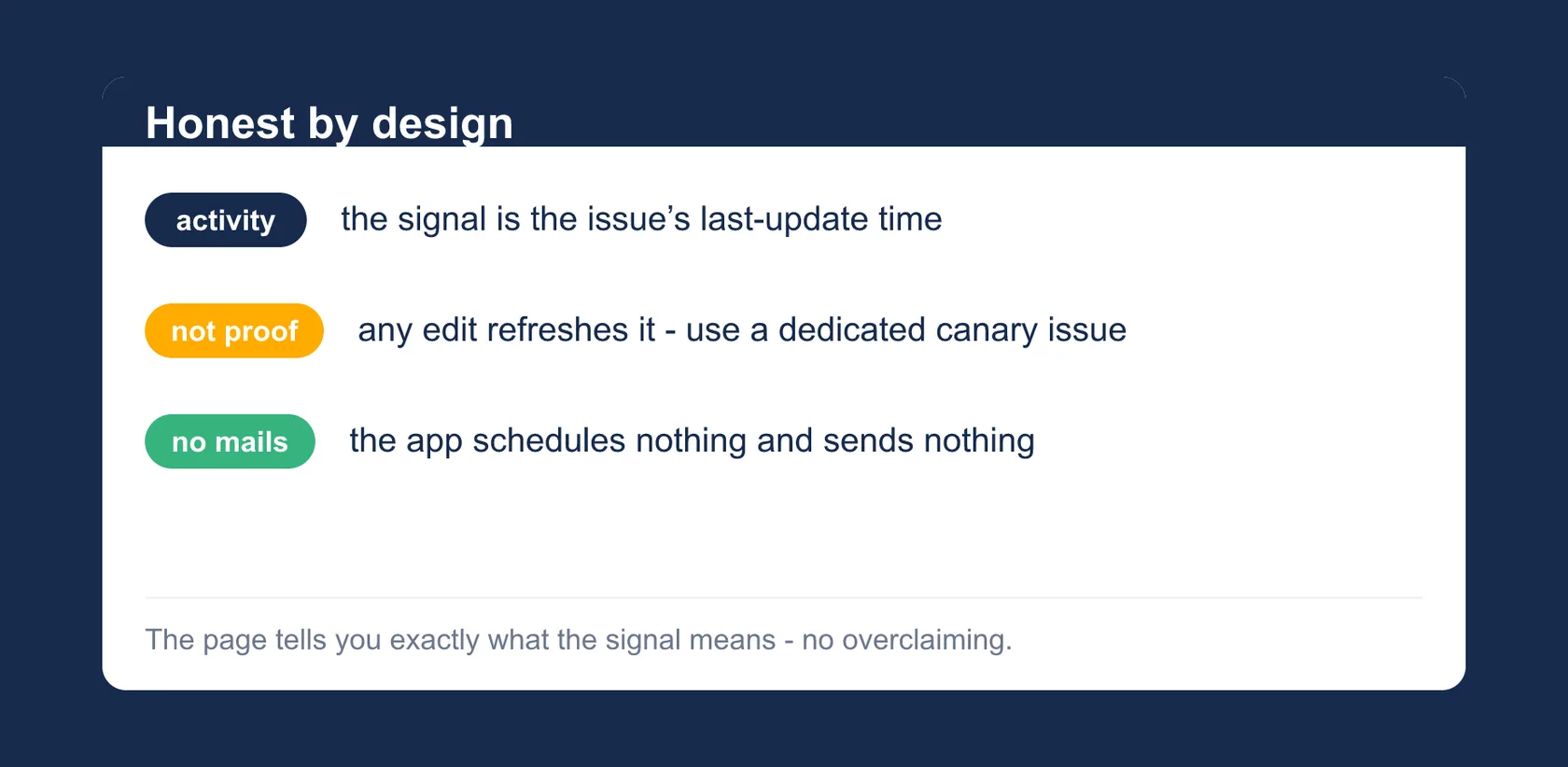
To be clear about what it measures: the signal shows activity on the issue, not proof that a specific rule ran, which is why a dedicated canary issue that only the rule touches works best. The app itself schedules nothing and sends no mails.
Getting started
- Install the app for your Jira Cloud site from the Atlassian Marketplace listing.
- Open the project page and, as a project admin, register a canary issue (ideally one that only the rule touches) plus its expected interval.
- Next time you look, the page says beating, overdue or unreadable, and for overdue, how many hours the rule is past due.
Permissions and data
Automation Heartbeat runs entirely on Atlassian Forge:
read:jira-work: read-only calls, executed with your own permissions (asUser) and scoped to one project: on each page visit the app reads, for every registered canary (at most 15), only the issue’s updated timestamp, summary and project to derive beating/overdue/unreadable. When an admin registers a canary, the same call verifies the issue exists and belongs to the project; the admin gate checks your permissions.storage:app: stores one small record per registered canary: a short admin-written label naming the rule, the expected interval in hours and a created timestamp. No issue content, no account ids. Removing a canary deletes its record.
No writes to Jira, no scheduled jobs, no notifications; the heartbeat view is recomputed live on each visit. The app stores no account IDs; please do not put personal data into the label. Your data never leaves Atlassian infrastructure: no external servers, no data egress, no AI, no tracking, no third-party services.
Support
Direct line to the developer: no ticket system, no first-level filter.
- Email: support@dangelstudio.de
- Contact form: reply usually within 1–2 business days
Support is provided on a best-effort basis; no fixed response or resolution times (SLA) are promised.
Status and versions
- Available on the Atlassian Marketplace. The current version number is in the header line of this page.
- Limits of this version: up to 15 canaries per project, intervals from hourly to weekly; the signal shows activity, not proof that a specific rule ran (named that way on purpose).
Legal
License: the end-user license agreement (standard EULA) shown on the Atlassian Marketplace listing applies; Atlassian presents it during installation. Privacy: Atlassian apps privacy policy, with a dedicated section on Automation Heartbeat; the short version is in “Permissions and data” above. The app is not intended for covert employee monitoring or automated performance evaluation; see the privacy policy for details.